
AI Banner Ads—in One Click
Using FLUX and DeepSeek R1

I created an AI tool that generates all banner ad sizes — in one simple prompt.
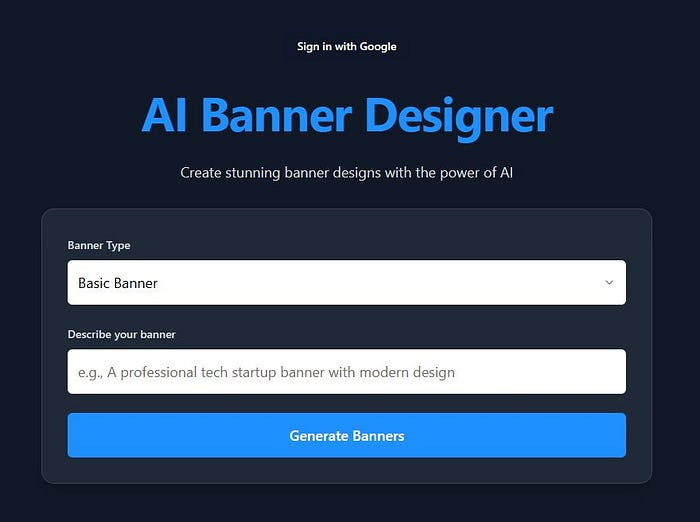
💡 Idea — an AI tool to make all banner ad sizes with one prompt — for advertising and social media platforms.
There are countless banner types, ad formats, and platforms — with varying sizes for desktop and mobile — that can be overwhelming.
I wanted to make a simple AI tool like ChatGPT —for banner ads.
The restriction was that a simple prompt would create all banner sizes in one click.
👉 Sign up to our free 5-Day email course to grow 🚀 and earn💲in the AI age
So I had to make a strategy to get this done in one click and look good.
I also wanted a general banner type, products (e-commerce), and one for people and personal brands.
How to try the AI Banner Tool
You can try this right now on aibanners.cartario.com
You can also try my main AI Image Generation software at Cartario.com.
You can train a custom AI model on your own photos or product photos to create the ultimate brand.
You can also use the latest AI image models from FLUX and other Image Generation platforms such as Google Imagen-3.
Try out Cartario for free
How to use the AI Banner Tool
Go to aibanners.cartario.com
Choose which type of banner ad you want to create from the dropdown.
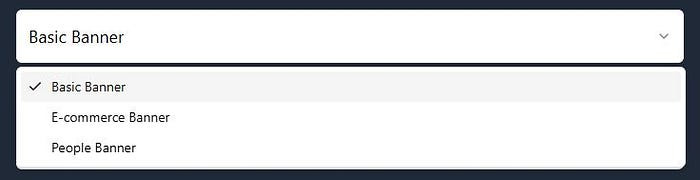
Then use a prompt to create what you want. The prompt can be quite simple but should be specific to what you want to do.
Here are examples of the 3 different banner types.
I’ll be adding more soon so your feedback would be helpful!
Basic AI Banner Example
Prompt — AI consultancy — AI implementation Quote
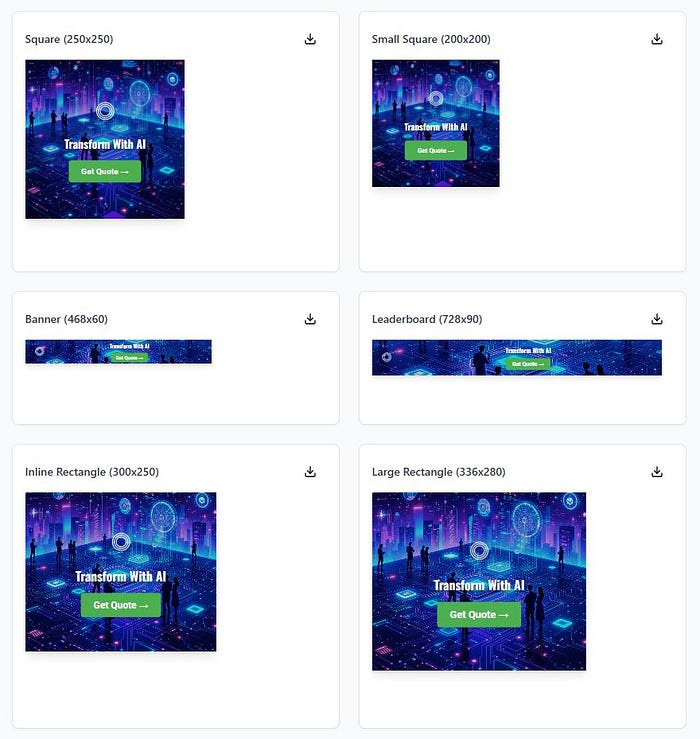
Here is one of the downloaded AI banners 250x250 size.

It has our default Cartario logo, a headline, a call to action button, and an AI-generated background image.
You can change the logos, text, and button colors in the sidebar.
Then download any or all banners you want.
These AI-generated banners would be great for quickly making a retargeting or visual ad campaign.
E-commerce AI Banner Example
Prompt — Dog food treats. Organic treats for your growing dog.
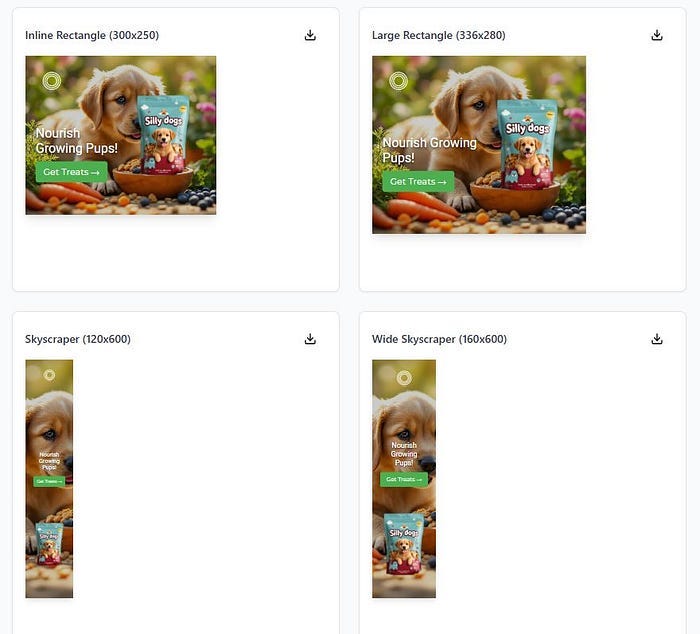
Example downloaded banner for a skyscraper style.
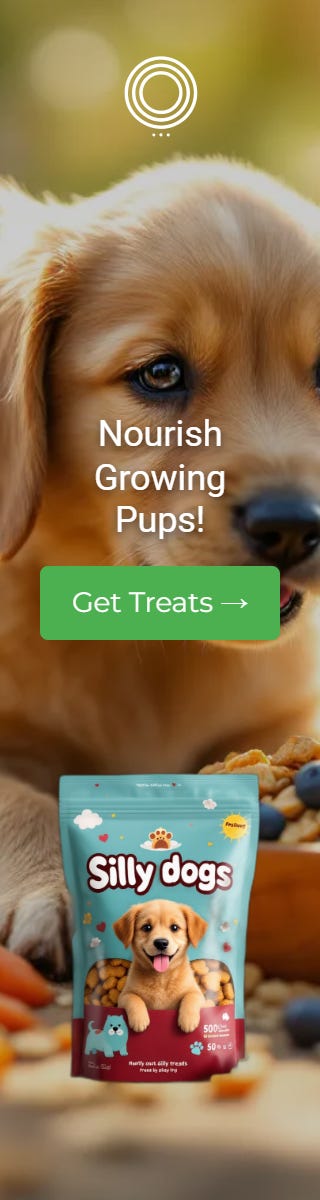
If you are wondering where to get the Silly Dogs treats — unfortunately this brand was generated using Cartario.com
Cartario is also great for prototyping new products quickly. I also used the background removal tool in the AI editor in Cartario.
People AI Banner Example
Prompt — Real Estate Consultancy. We will buy your house.
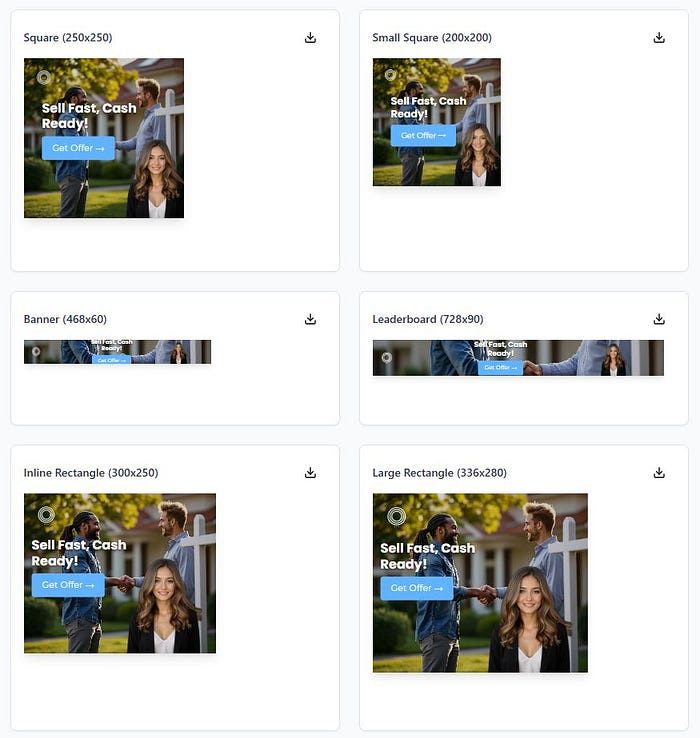
Example downloaded AI-generated real estate ad

The female in the photo is an AI influencer — generated using Cartario.com
Cartario is also great for using and creating AI models like this AI influencer Becca. You can use her or create your own on Cartario.
You can also use your photo — or create an AI model based on yourself.
How do I Edit the AI Banner Ads
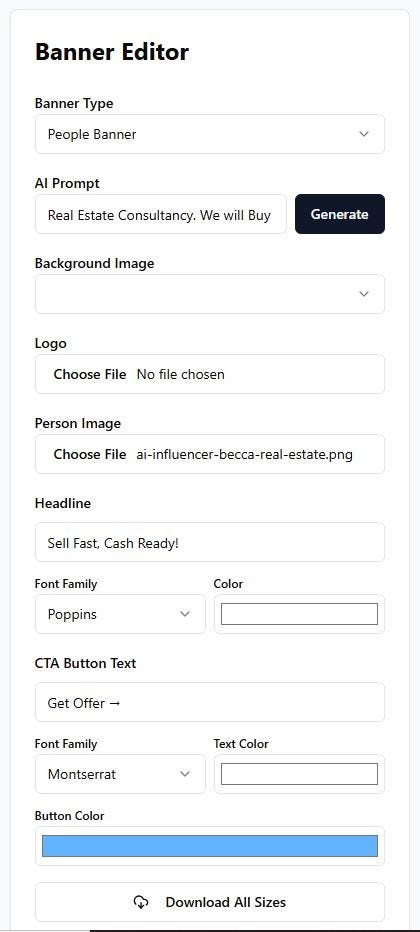
You can edit all the banner ads at once in the sidebar.
Here is a screenshot of all the options. You can also download all banner ad sizes — or download them individually.
Try on aibanners.cartario.com
Or try AI Image Generation software at Cartario.com — for the other features mentioned in this article
I’ll be expanding this tool — feel free to reach out with feature requests or follow me.
You can check out our AI podcast here.
My other Channels:
👉 Sign up to our free 5-Day email course to grow 🚀 and earn💲in the AI age
You can also sign up for my newsletter on how to use AI to earn more money.
Check out our YouTube Channel
Follow us at our website: AI Growth Guys